Table of contents
26
By Salman Khan, OSCP+, Founder of XHack, SRT (Synack Red Team member)
Read this in 30 seconds: Most hunters assume serious bug bounty tools cost serious money, but the core chain is free, current and MIT-licensed. The real spending decisions are which proxy you run and whether you add AI, and the real mistakes are about speed and scope, not price.
- The recon chain costs $0 and it is fresh. subfinder (v2.17.0, October 8, 2026), httpx, katana, ffuf and nuclei are all MIT-licensed, and each shipped a release in the last three months.
- Burp Community is free but cut down. PortSwigger’s own page lists a demo Intruder, no project saving, no scanner and no Collaborator, and its buy page prints no Professional price.
- The defaults can get you banned. nuclei, httpx and katana default to 150 requests per second and ffuf’s rate default is 0, which means no cap. Some public programs allow automated tools at only 2 to 10 requests per second.
- Free proxies exist. Caido’s Basic tier gives you 2 projects, 7 workflows and 1 user, and OWASP ZAP is Apache-2.0 with no tiers at all.
- AI is optional and cheap to test. XHack’s individual plans cost $20, $49 and $150 a month with a 7-day trial, and you still validate every finding.
The best bug bounty tools for a solo hunter are mostly free, and the expensive mistakes come from rate limits and scope, not from the price tag.
Every “top 50 bug bounty tools” list you have seen is a link farm with a pricing column nobody checked. This list of bug bounty tools is shorter on purpose, and every price, license and release date below came from a primary page.
“Best” here means best value for a solo budget: cost, license, current maintenance and the job the tool does. It is not a quality contest between tools that do different things.
We build an AI agent for hunters, so one clearly marked brand section sits near the end. Everything before it stands on sourced facts.
Skim this first, then read the bug bounty tools sections that match your budget. Versions and dates come from each project’s latest GitHub release, read on October 14, 2026.
| Tool | Job | Cost | License, latest release | The catch |
|---|---|---|---|---|
| subfinder | Passive subdomains | $0 | MIT, v2.17.0 (Oct 8, 2026) | Only as good as its sources |
| httpx | Probes which hosts answer | $0 | MIT, v1.12.0 (Sep 8, 2026) | Default 150 requests per second |
| katana | Crawls endpoints | $0 | MIT, v1.8.0 (Oct 5, 2026) | Default 150 requests per second |
| ffuf | Fuzzes paths and parameters | $0 | MIT, v2.3.0 (Sep 9, 2026) | Rate default is 0 (no cap) |
| nuclei | Runs scan templates | $0 | MIT, v3.11.1 (Aug 8, 2026) | Templates need reading |
| interactsh | Catches blind bugs (OOB) | $0 | MIT, v1.4.1 (Sep 30, 2026) | Best features need self-hosting |
| Caido | Proxy for manual testing | Basic is free | Free tier | Basic: 2 projects, 1 user |
| OWASP ZAP | Proxy and scanner | $0 | Apache-2.0, v2.17.0 (Dec 15, 2025) | Latest release is ten months old |
| Burp Community | Proxy for manual testing | $0 | PortSwigger | No scanner, no saved projects |
| Burp Professional | Full proxy suite | Not on PortSwigger’s buy page | PortSwigger | Price unconfirmed |
| XHack AI | Agent from recon to report | $20, $49 or $150 a month | Proprietary service | Output needs your validation |
Count the dollar signs. Eight of these eleven bug bounty tools cost nothing, and the one price I could not confirm is the one a security company chose not to print.
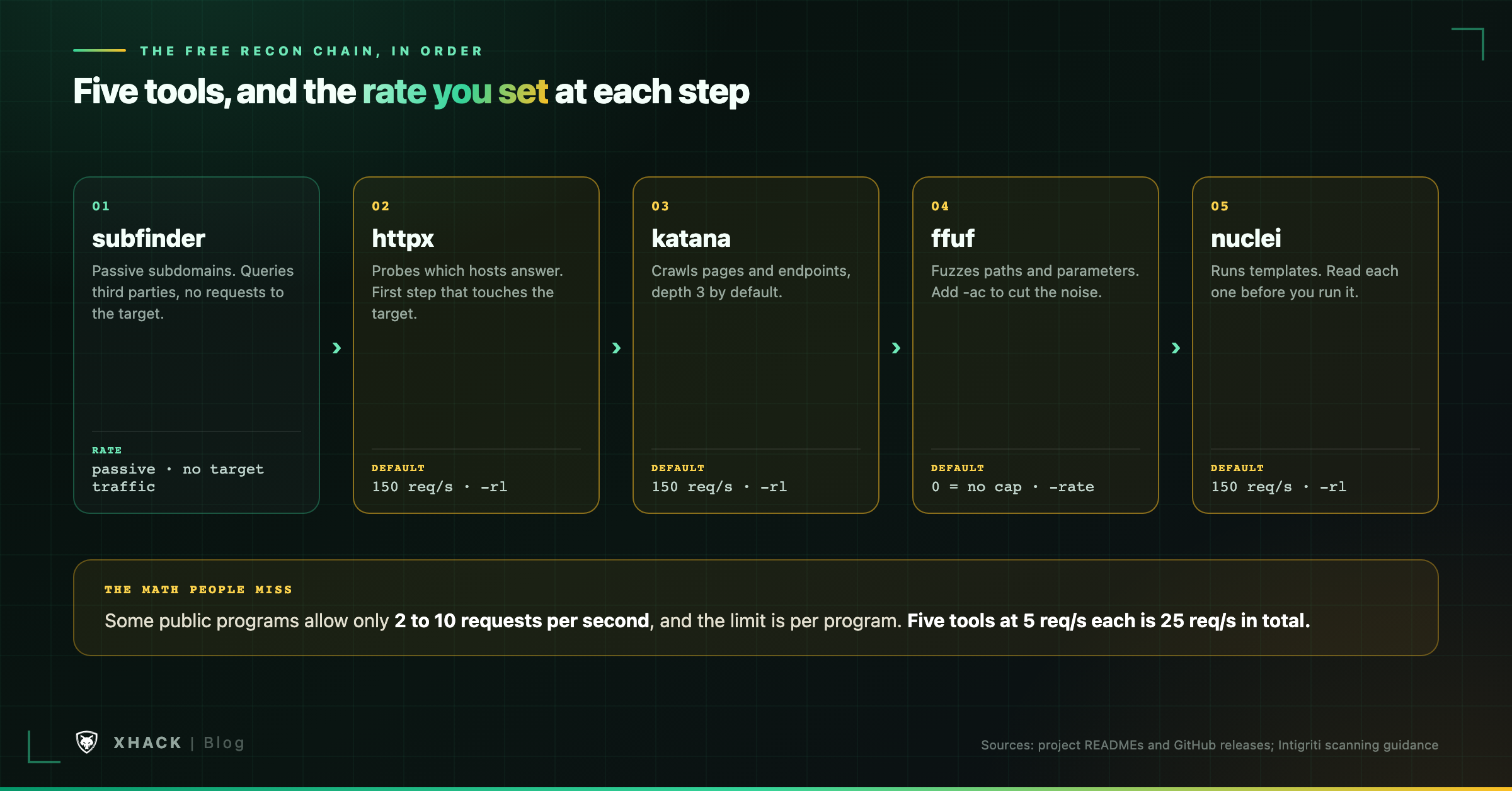
Recon is where free bug bounty tools earn their keep, because it is repetitive and a good pipeline pays for itself. The order matters: quiet first, loud last.
subfinder’s README calls it a “fast passive subdomain enumeration tool” that uses passive online sources. Passive means it asks third parties and sends nothing to the target.
That makes it the right first step, because you can run it before you have read the rate rules. Its latest release is v2.17.0, under the MIT license.
The catch is in the word “passive.” It only finds what its sources know, so a brand new subdomain can be invisible to it.
httpx probes your host list and reads status codes, titles and technologies. Its latest release is v1.12.0, dated September 8, 2026.
This is the first step that touches the target, so the rate matters from here on. httpx defaults to 150 requests per second with 50 threads, which suits a lab and wrecks a program that allows five.
katana crawls a target and lists the pages and endpoints it finds. Its latest release is v1.8.0, and its README shows a default depth of 3 and a default rate limit of 150 requests per second.
Its JavaScript crawling option (-jc) finds forgotten endpoints, so turn the rate down before you use it.
ffuf fuzzes paths, parameters and virtual hosts, and its latest release is v2.3.0. Here is the thing nobody mentions: its -rate option defaults to 0, which means it does not throttle itself, and it runs 40 threads.
That makes ffuf the easiest tool here to get a program angry with, so set -rate every time. Add auto-calibration (-ac) too, or identical error pages will bury your results.
nuclei runs YAML templates against targets. Its latest release is v3.11.1, and its README gives 150 requests per second, 25 templates in parallel and 25 hosts per template.
Every template is a test someone else wrote. Read it before you aim it at a live program, and read the response before you report a hit.
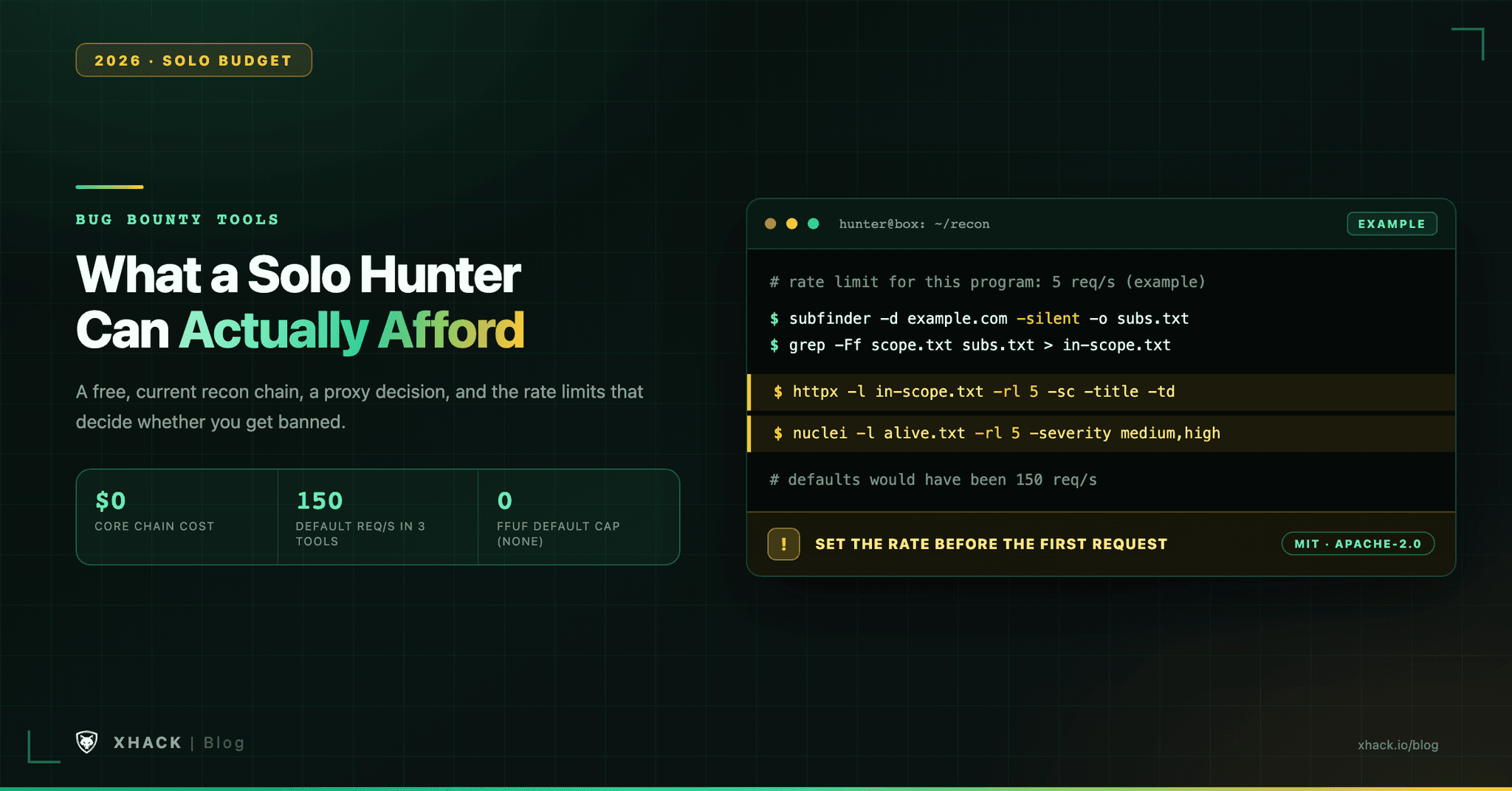
Here is the whole thing as one workflow. The 5 requests per second is an example limit, so swap in your program’s number.
# 1. Passive subdomains from public sources
subfinder -d example.com -silent -o subs.txt

# 2. Keep only hosts in scope (scope.txt is your own list, one host per line)
grep -Ff scope.txt subs.txt > in-scope.txt

# 3. Probe at a rate the program allows (here, 5 requests per second)
httpx -l in-scope.txt -silent -rl 5 -sc -title -td -o alive.txt

# 4. Scan only the live hosts, same rate, medium and high only
nuclei -l alive.txt -rl 5 -severity medium,high -o nuclei-findings.txt
Step 2 is the one people skip and the one that keeps you out of trouble. Finding a subdomain does not put it in scope.
Every hunter needs a proxy for manual work, and this is where the money decision lives. The options differ more in limits than in price.
PortSwigger’s own comparison page is blunt. Community gets “Burp Intruder (demo)” and no scanner, no project files, no Burp Collaborator, no search function and no Pro-exclusive extensions.
Translation: a fine place to learn and a miserable place to work for a month. You cannot save a project, and that is the real cost of free.
PortSwigger’s buy page lists no price for Professional or any edition. It calls Pro “The world’s #1 web penetration testing toolkit,” which is a claim, not a number.
Third-party guides cite $475 to $499 per user per year and disagree with each other. Use PortSwigger’s free Pro trial to find out whether the scanner and saved projects earn their keep.
Caido calls itself “the web hacking toolkit designed to scale manual testing through AI and teamwork,” and its pricing page lists Basic as “Free forever.” The limits are specific: 2 projects, 7 workflows, 3 plugins, 5 filter presets, 1 pipeline session and 1 user.
The Individual plan removes the project and workflow caps, but its price is not shown on the page we read.
ZAP’s README calls it “the world’s most widely used web app scanner,” free and open source. It is Apache-2.0 licensed, and its latest release is v2.17.0, dated December 15, 2025.
The flag: that release is ten months old, so it is not abandoned but it is not shipping monthly either.
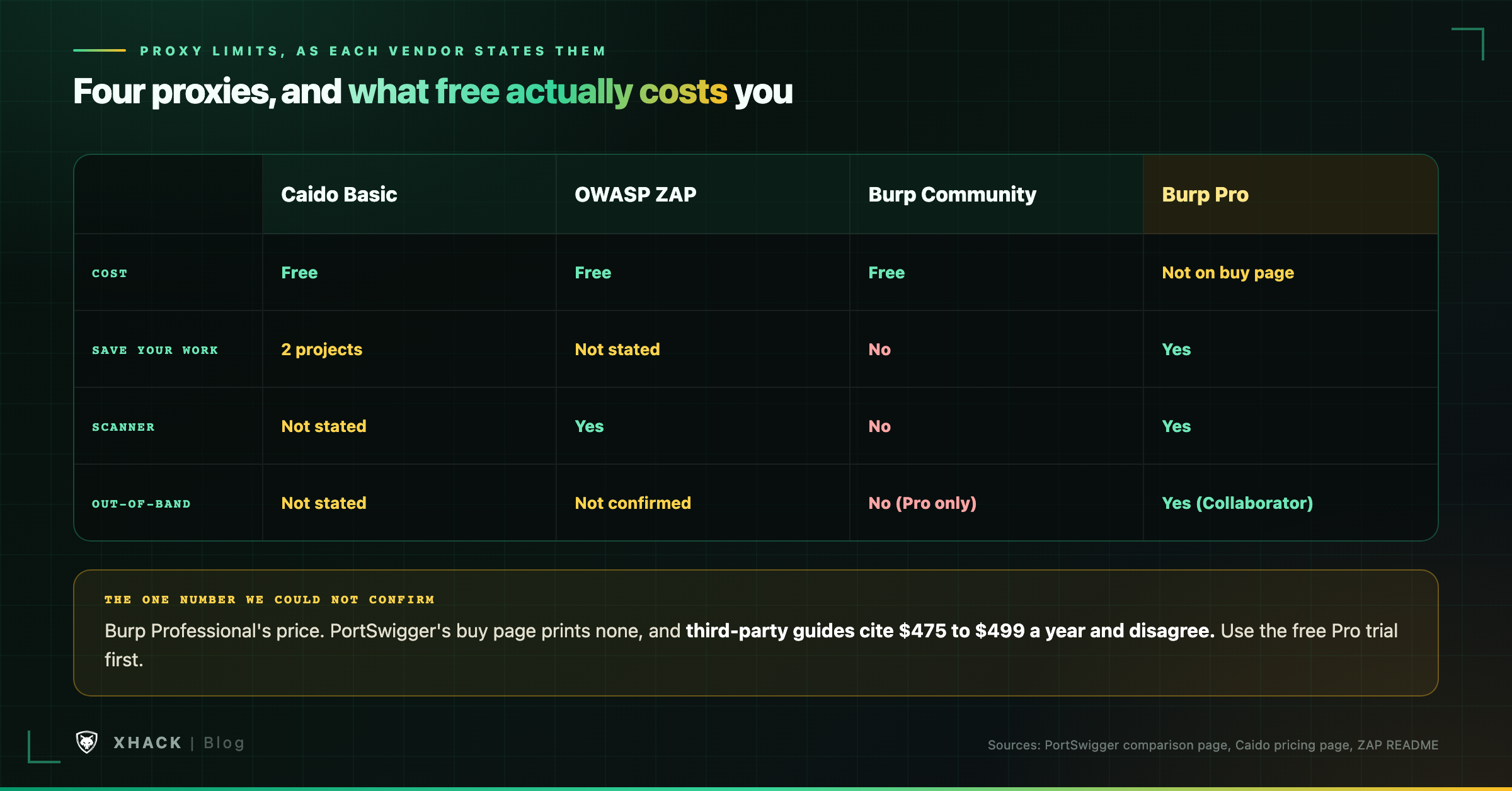
| Caido Basic | OWASP ZAP | Burp Community | Burp Professional | |
|---|---|---|---|---|
| Cost | Free | Free | Free | Not confirmed |
| Save your work | 2 projects | Not stated | No | Yes |
| Scanner | Not stated | Yes | No | Yes |
| Out-of-band testing | Not stated | Not confirmed | No (Collaborator is Pro) | Yes |
The scorecard of these bug bounty tools is our read of the sources above, not a lab test. Pay when a free limit costs you hours a week, and not before.
Add these bug bounty tools once the chain works. Each solves one narrow problem, and each has a catch you should know first.
For learning, PortSwigger’s Web Security Academy calls itself “a free online training center for web application security.” It lists 16 SQL injection labs and 30 cross-site scripting labs among 31 topics, and an account only tracks your progress.
A tool’s default speed is not a program’s permission, and that is true of every one of these bug bounty tools. This is the section that keeps your account alive.
The flags that lower the speed are -rl in httpx, nuclei and katana (httpx also has -rlm and -delay) and -rate in ffuf.
Intigriti’s guidance on aggressive scanning says some public programs allow automated tools at only 2 to 10 requests per second. It adds that breaches can mean warnings, invalidated reports or suspension.
The math people miss: limits are per program, not per tool. Five tools at five requests per second each is 25 in total, and the program counts all of it.
AI saves time on the repetitive parts and does nothing for the part that decides a payout.
Bugcrowd’s March 10, 2026 policy post says ten consecutive invalid reports trigger a review, and an account may be suspended for 30 days if its submissions look automated without validation. Intigriti’s May 2026 triage post says AI-generated reports “look serious and seem like they might contain valuable information,” so they take longer to dismiss.
The pattern: AI helps you find and draft, and the platforms punish unvalidated output. Any AI you add to your bug bounty tools has to make validation easier, not skip it.
So yeah, here is where we talk about what XHack brings. We build it, so weigh this section as a vendor’s.
Most bug bounty tools do one job and leave the glue to you, and XHack is the one entry in this article that runs the whole chain as an agent. XHack combines three things usually bought separately: an AI agent you run yourself, a platform around it, and expert human testing when you want a person on the work.
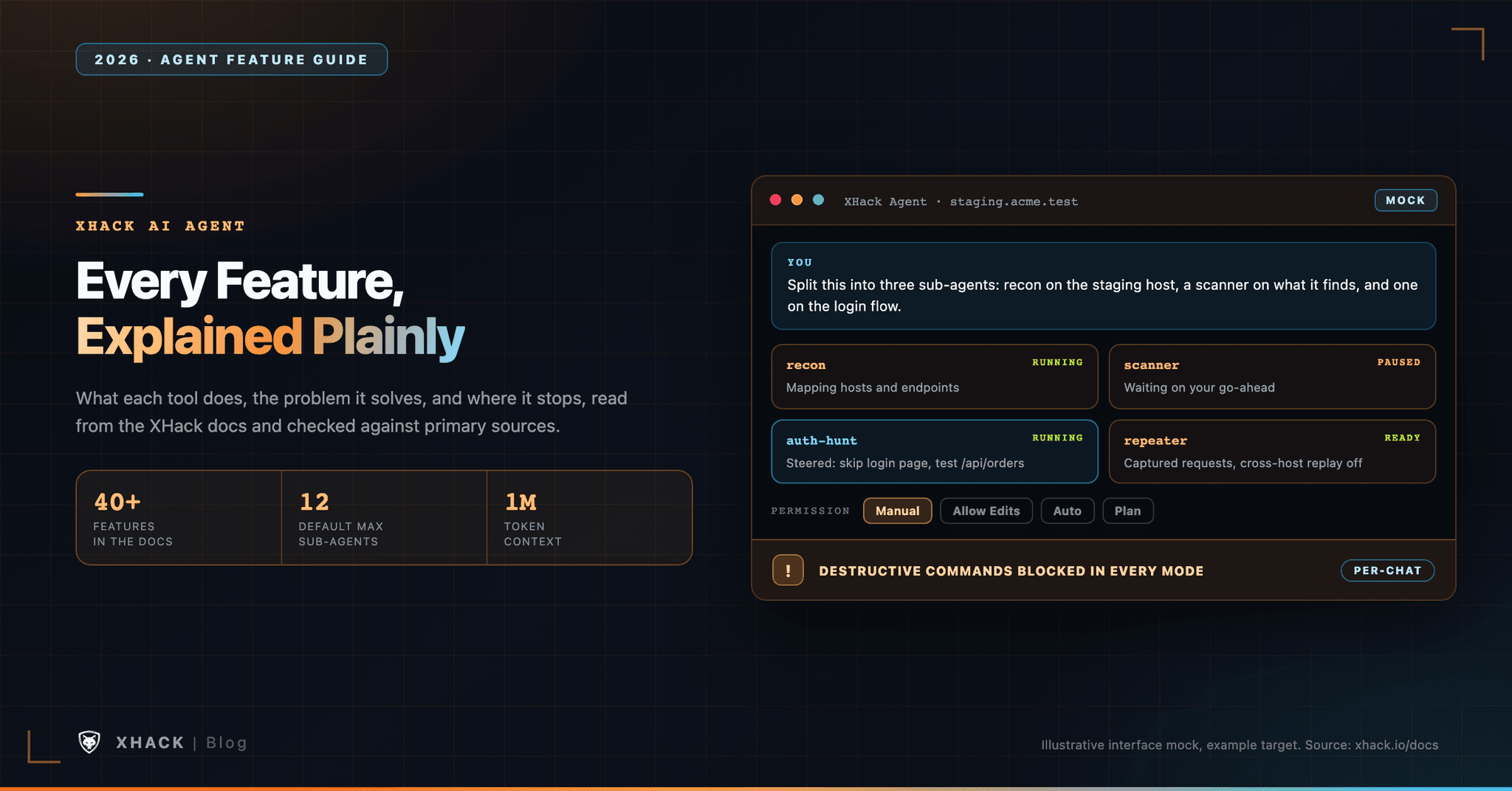
What the agent automates. It runs the repetitive chain as one agent-driven workflow: reconnaissance, discovery, exploit development and the report, with up to 15 specialized sub-agents in parallel and native macOS and Linux apps. Each confirmed issue is logged as a finding without manual entry, and our findings page describes each one as carrying impact, description, proof, reproduction steps, the exact HTTP request, screenshots and a recommended fix.
What it gives a researcher. The write-up and the evidence trail. Findings export as JSON, Markdown, HTML or PDF, and our release notes say the newest version requires a CVSS v4.0 rating and a CWE on each finding. Professional and Elite support BYOK, so you can use your own model provider.
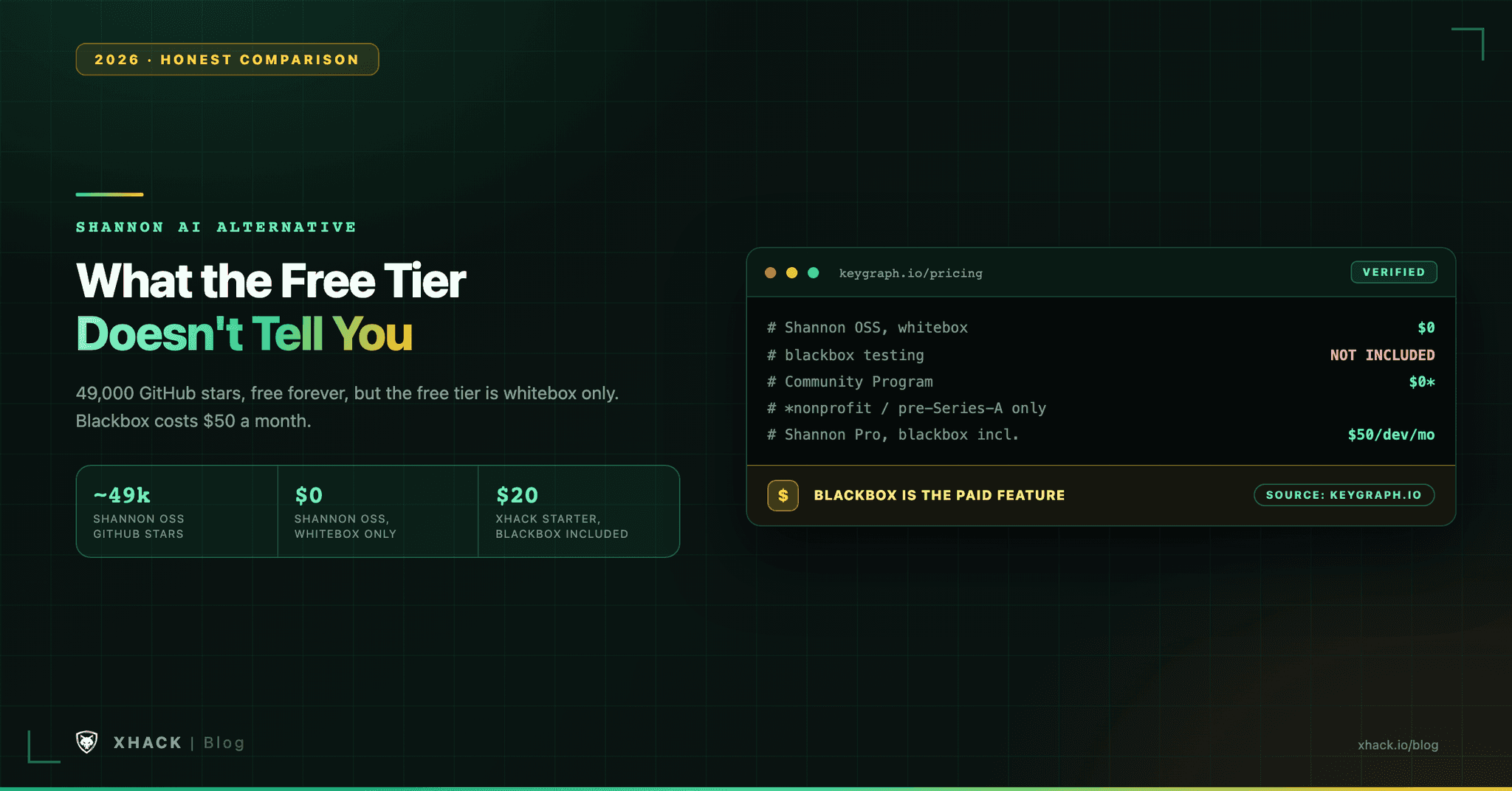
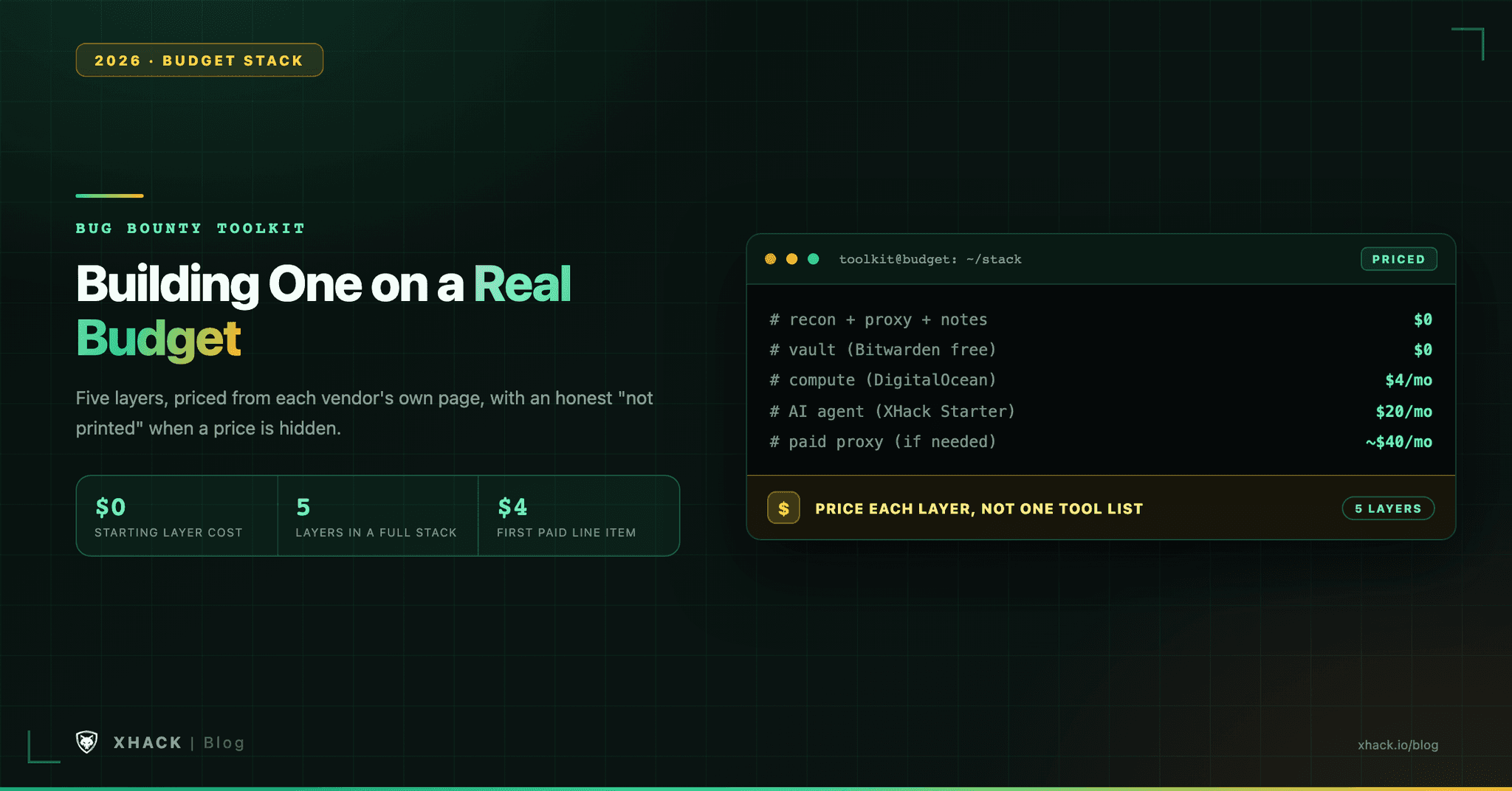
What it costs. The individual plans are $20 a month for Starter at an introductory launch price, $49 for Professional and $150 for Elite, with a 7-day free trial and one trial per customer.
Here is the honest part. Our terms say AI output may be incomplete, inaccurate or wrong, and it can miss real vulnerabilities. You still own the scope, the rate limit and the validation, and XHack does not guarantee a payout.
Privacy. XHack does not store your data and is privacy-focused by design. Pentest chats and session data stay on your own computer, and you can delete them any time.
If you want a free scanner, use the chain above, because it costs nothing and it works. Want to try the agent on targets you are authorized to test? Start the trial from the pricing page, or book a free consultation first. Brutal honesty is kind of our thing, even when the answer is “you do not need us.”
Most hunters lose time to the same handful of mistakes.
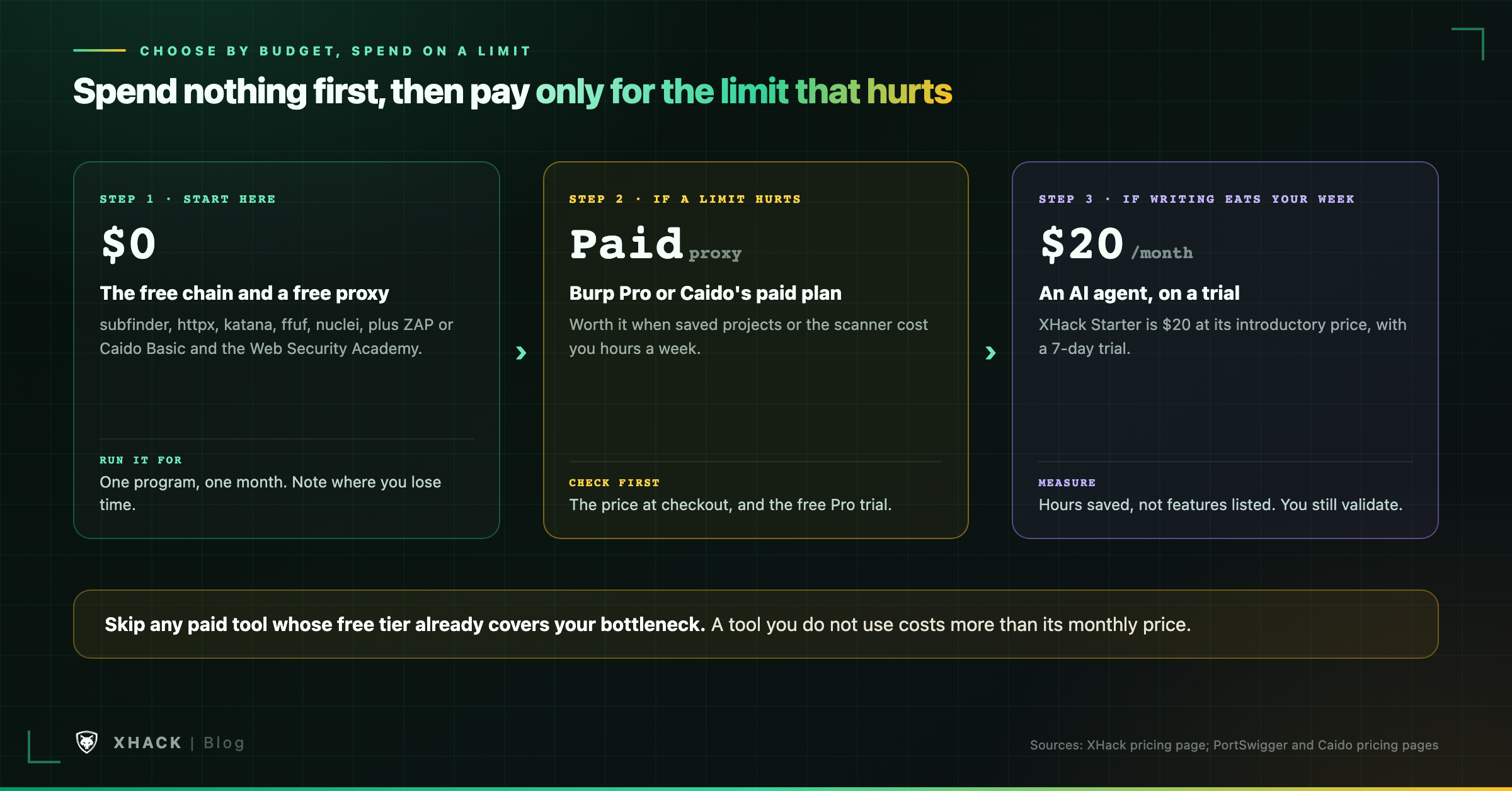
Then choose your bug bounty tools by budget, and spend only when a limit is costing you.
| Your situation | Spend | What to run |
|---|---|---|
| Just starting | $0 | The free chain, ZAP or Caido Basic, and the Web Security Academy |
| Free proxy limits cost you hours | A paid proxy | Check Pro’s price at checkout, or Caido’s paid plan |
| Writing and triage eat your week | $20 a month | The free chain plus an AI agent trial, measured in hours saved |
Start with subfinder, httpx and ffuf for recon, a free proxy (ZAP or Caido Basic) for manual testing, and PortSwigger’s free Web Security Academy to learn. All of these bug bounty tools cost nothing, and they teach you the workflow before you spend a dollar.
Yes, because the finding comes from your testing and judgment, not from the price. What free bug bounty tools cost you is time and convenience, like saved projects and a built-in scanner.
It depends on your bottleneck, like any of the paid bug bounty tools. PortSwigger’s page says Pro adds the scanner, project files, the full Intruder and Collaborator, but it prints no price on the buy page. Check the checkout price and use the free trial first.
The free chain of bug bounty tools, a free proxy and the Web Security Academy cost $0. Spend only after a month of work shows you which limit is slowing you down.
No. AI can save time on repetitive recon and report drafting, but platforms penalize unvalidated output and no tool guarantees a payout. If you try one, measure the hours it saves, not the features it lists.
The best bug bounty tools for a solo hunter cost nothing, and the expensive mistakes are about rate limits, scope and unvalidated output. Start with the free chain of bug bounty tools and a free proxy, learn from the Web Security Academy, and pay only for the limit that is actually costing you.
If AI could save you the repetitive hours, test it on a trial and keep the validation for yourself. Set the rate first, read the scope, and report only what you have reproduced.
Categories
Related articles