
Set the objective. The agent does the rest
An autonomous security agent that plans, executes, adapts and reports. Give it a target and a goal, and it selects the tools, reads the results, changes course when it needs to, and hands you a complete write-up. Run it on the desktop, or drive the very same agent from a browser on your laptop or phone, and install it as an app. Built into the XHack platform, for companies and researchers alike.
app.xhack.io / agent
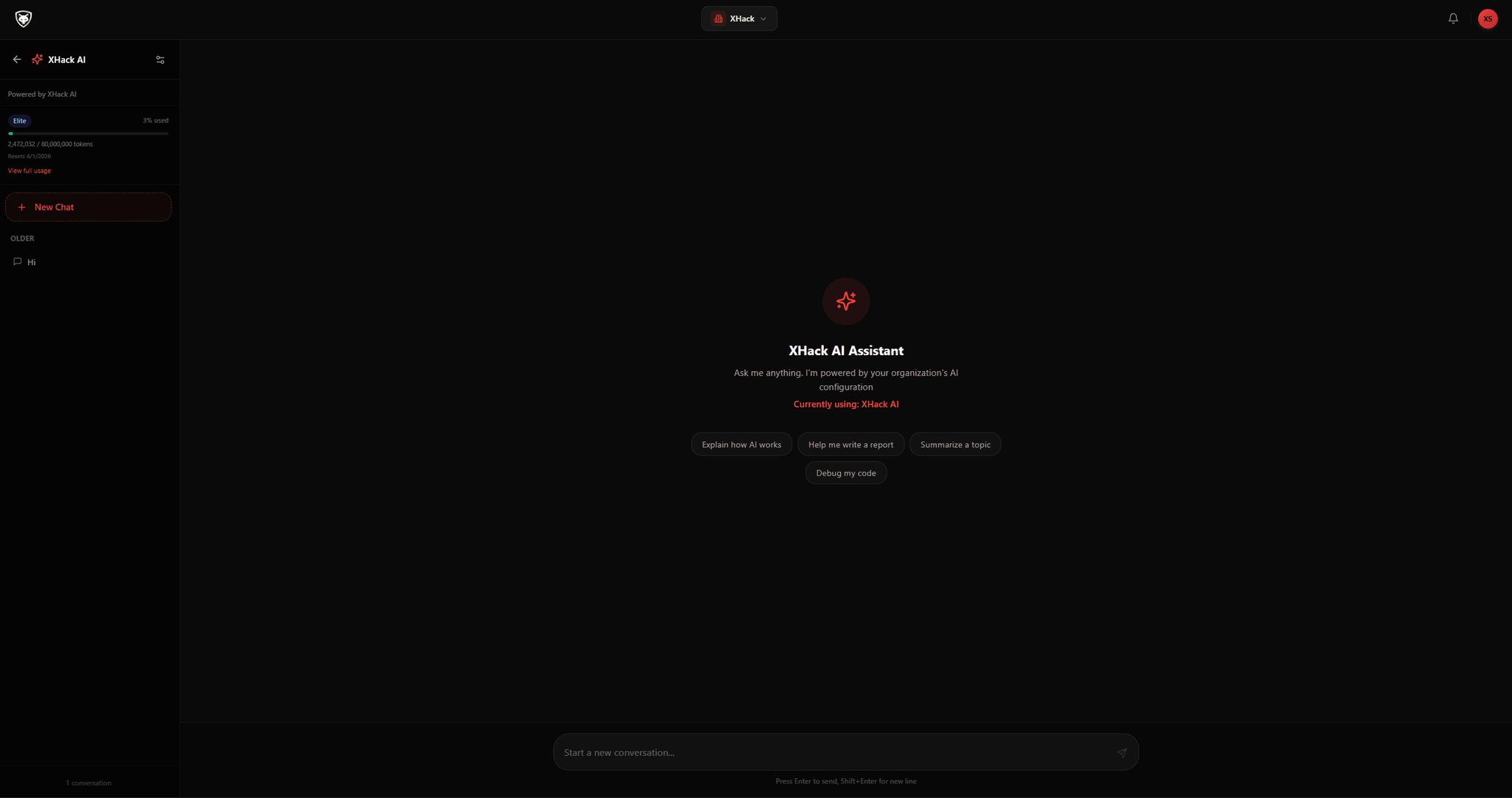
Autonomous
Plans, executes and adapts on its own
Multi-step
Operations across many tools and turns
Local & offline
Run on your own model, air-gapped
Full
Audit trail on every operation
New in v2.3.0
The whole agent, now in your browser
Drive the same agent, with every tool and sub-agent, from a browser on your computer or phone. Install it to your home screen as an app, run it from a server, and keep engagements going in the background even after you close the tab. Everything still runs on your own machine.
Self-hosting? Use a spare, throwaway server, keep it private, and rotate the login regularly. The guide walks through doing it safely.
Every tool, in the browser
Chat, findings, sub-agents, Repeater, cloud reports and settings, the same as the desktop app.
Installable app
Add it to your phone or desktop as a PWA, with its own icon and a full-screen window.
Survives the tab
Turns run on your machine, so a closed tab or lost connection never stops a run. Reconnect and it is still streaming.
Secure by default
A local username and password, hashed and rate limited, with sign-out-everywhere and a full audit log.
What it does
One agent, the whole operation
From the first plan to the final report, the agent carries a security operation end to end. Here is the product at a glance.
Intelligent planning
Given an objective, the agent builds a structured methodology, then adjusts the plan as it learns more about the target.
Adaptive execution
No rigid script. When it meets an unusual service, a defense or a novel issue, it reconsiders and picks the best path forward.
Tool orchestration
It selects the right tool for each task, configures it, reads the output and decides what to run next, chaining tools into coherent operations.
Programmatic mode
Drive the agent from a prompt and get structured output in text, JSON or streaming JSON, ready for CI and CD pipelines.
Session continuity
Operations can span many sessions. State is saved so you resume a long assessment exactly where you left off.
Auto-approve mode
For hands-off runs, tool executions are approved automatically, with cost and turn limits that keep you in control.
Comprehensive reporting
Every run concludes with a record of what was done, what was found and what to do next, a complete audit trail of the assessment.
Permission modes and safety
Four per-chat modes from Manual to Auto, plus a hard safety net that blocks destructive commands no matter the mode.
How it works
From objective to report, on its own
You set the goal. The agent develops a plan, executes it, adapts to what it finds, orchestrates the right tools, and writes up the result. The loop runs without the constant back and forth between operator and tool.
01
Objective
02
Plan
03
Adaptive execution
04
Tool orchestration
05
Report
The plan is dynamic. When the agent discovers something new, it loops back, reconsiders its approach and picks the most promising path forward.
Built for both
Two workspaces, one agent
The same autonomous agent serves a security team that needs control and a researcher who needs reach. Each gets a workspace shaped to how they work.
For companies
A controlled agent inside your guardrails
Bring autonomous security work inside agreed limits. Run the agent with close supervision on a fresh target, then loosen the reins once you trust the run, with a per-chat permission mode for each engagement.
Four permission modes from Manual to Auto, set per chat.
Cost and turn limits that cap every autonomous run.
A full audit trail and client-ready reports on every operation.
workspace / company
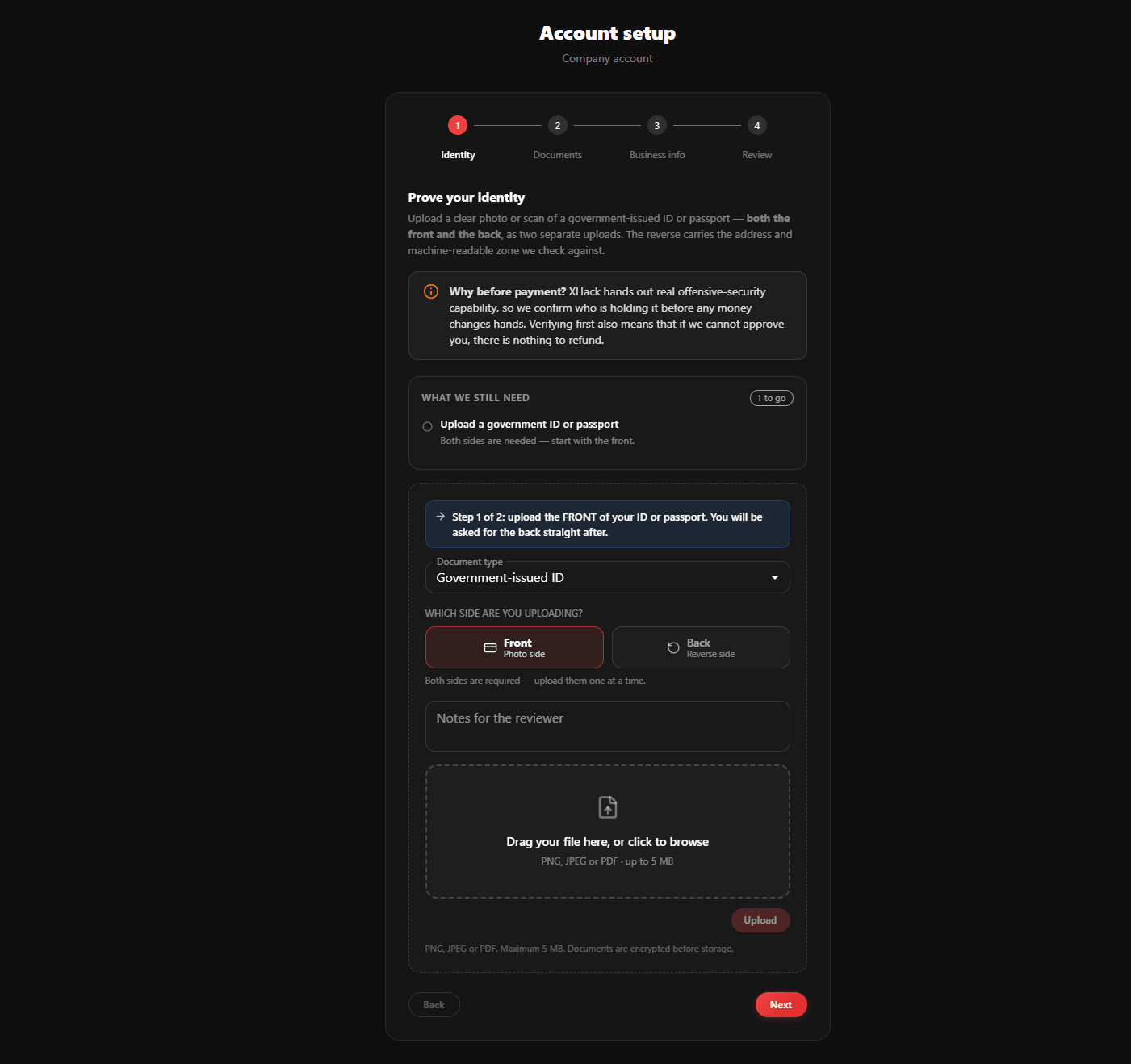
For researchers
A full team of agents at your command
Spin up a swarm of sub-agents that work in parallel, one on recon, another scanning, another exploiting, all from a graphical desktop app. Keep everything private with local models, and shape the agent with your own skills and plugins.
Sub-agents and swarm, each in its own workspace, all reporting back.
Local and offline models so sensitive work never leaves your machine.
Skills and plugins to add methodologies without a command line.
workspace / researcher
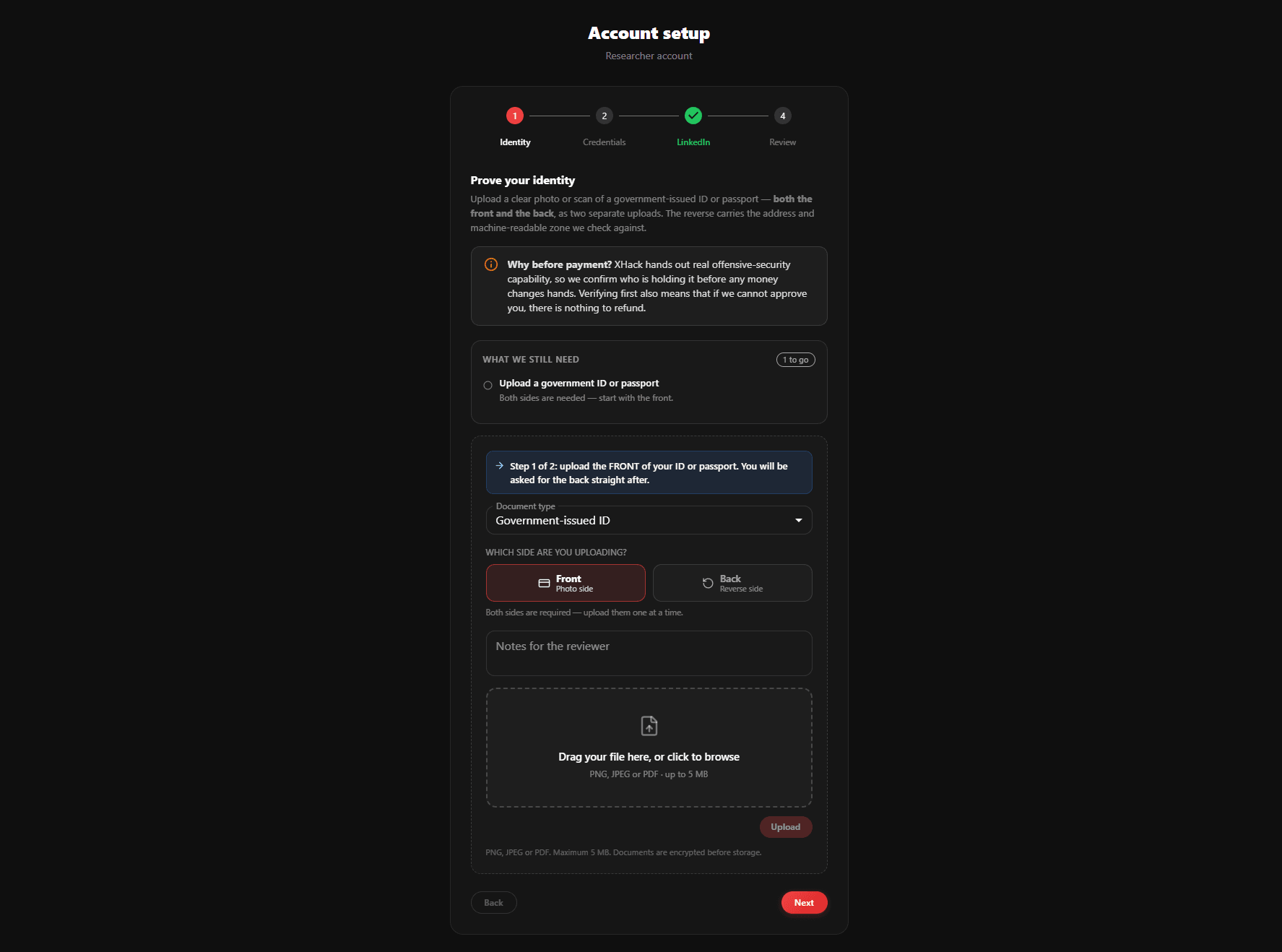
agent / chat
Interactive operation
Talk to it, or set it loose
The agent is a graphical desktop app, not a chatbot that waits at every step. Hold a conversation while you supervise, or hand it an objective and let it run. Either way you always have one place to watch the work unfold.
Set a high-level goal and the agent plans and executes the whole operation.
Steer a running operation by typing a new direction to it, mid task.
Launch multiple sub-agents that work in parallel and report back to your main chat.
Watch every agent live with its status, progress, findings and cost so far.
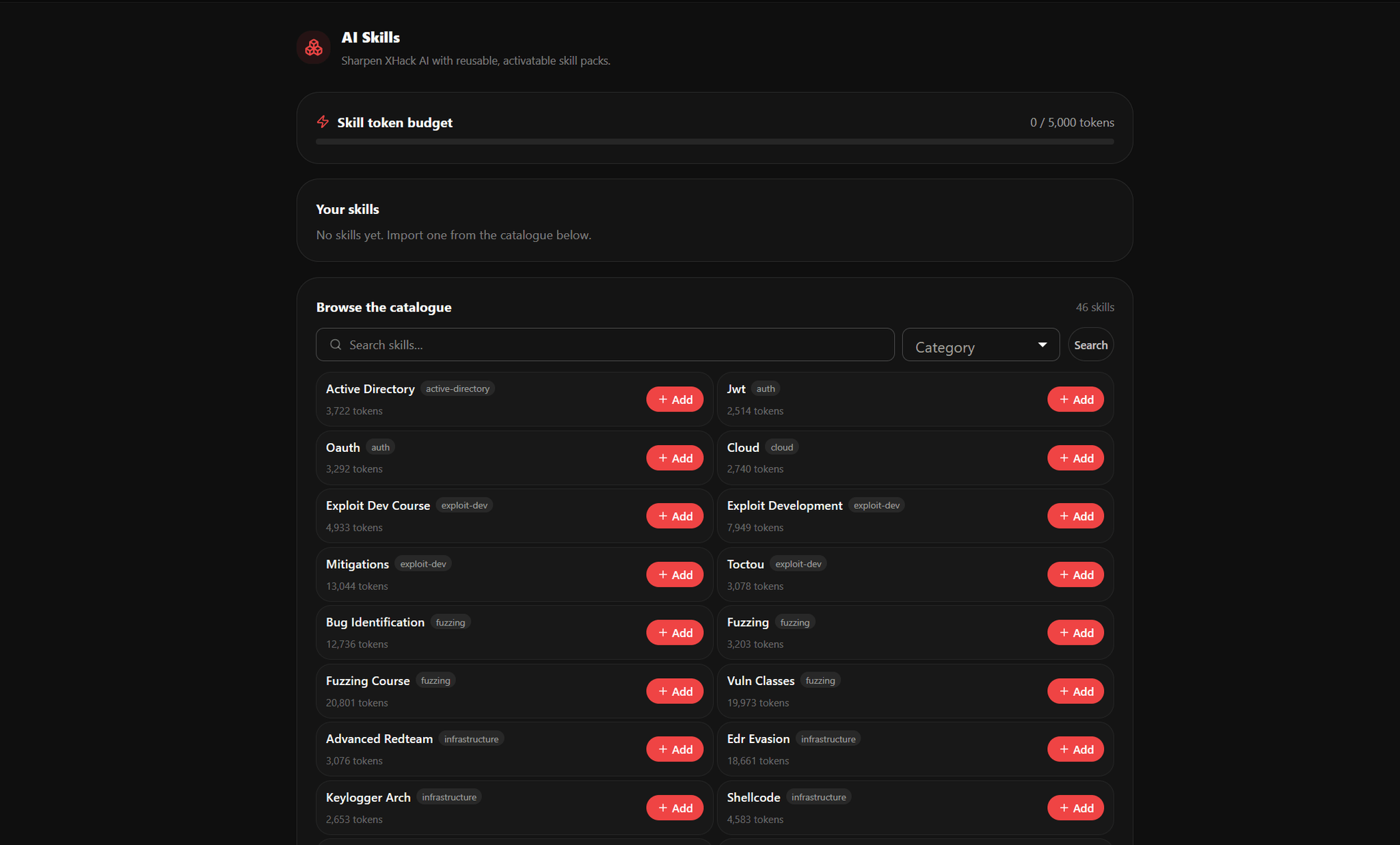
agent / skills and plugins
Skills and plugins
Teach it new methodologies
Skills are reusable expertise packs, a ready-made playbook for a specific job like SQL injection or Active Directory attack paths. Bundle them as Plugins and the agent takes on brand new kinds of assessments the moment you need them.
Install a pack from a folder or a .zip file, then toggle it on in a single click.
The agent keeps a lightweight catalog and loads the full playbook only when a task matches.
Every new pack arrives switched off and inert until you deliberately enable it.
A clean two-tab manager shows exactly what your agent is capable of.
agent / models
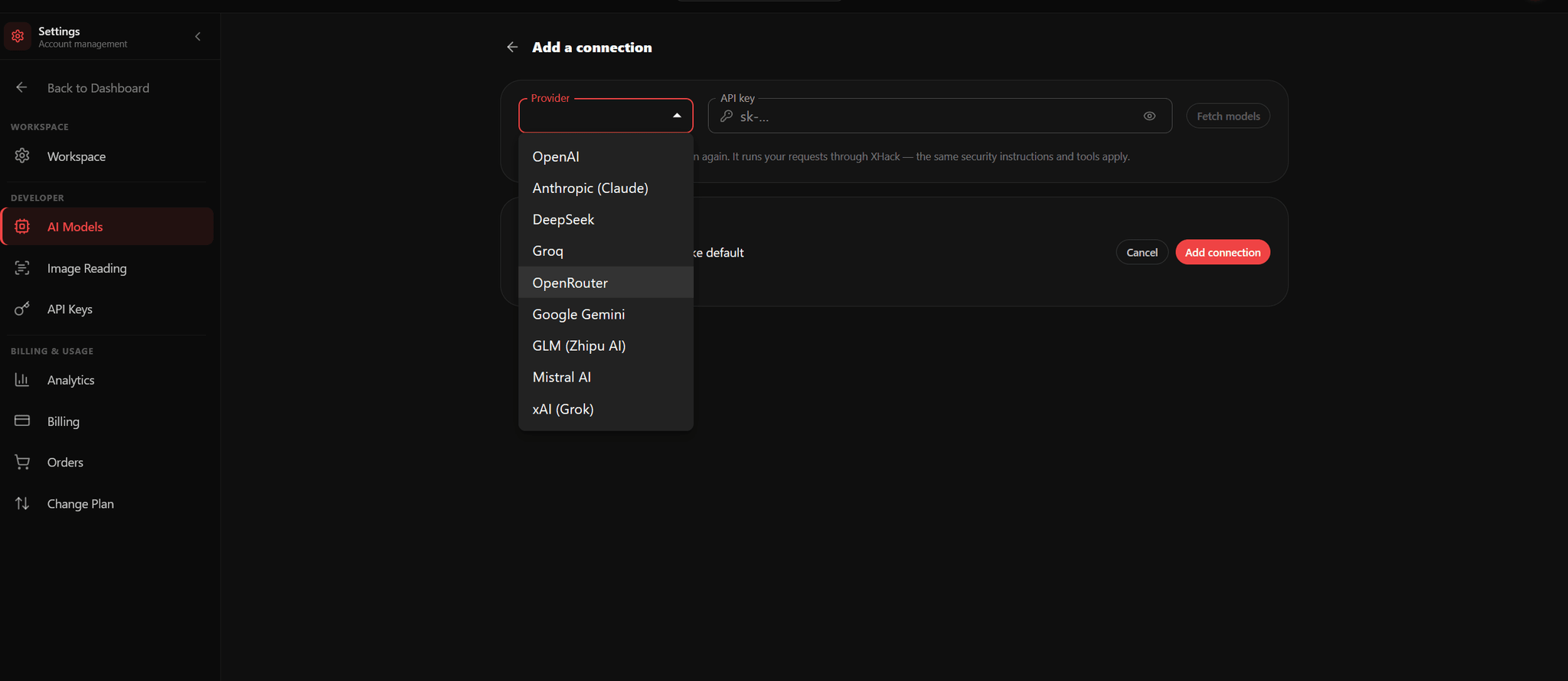
Local and offline AI
Run it entirely on your own machine
Use the built-in hosted model for convenience, or point the agent at your own local model through Ollama or llama.cpp. Go local and the entire assessment happens on-premise, with no prompts, findings or target details ever leaving your machine.
Bring your own key, or run fully offline for air-gapped and classified engagements.
Pick your model and an effort level of Low, Medium or High to trade speed for depth.
Switch to a local model from a dropdown, with zero cloud calls from that moment on.
The same graphical, chat-driven experience whether you are hosted or private.
agent / attack chains
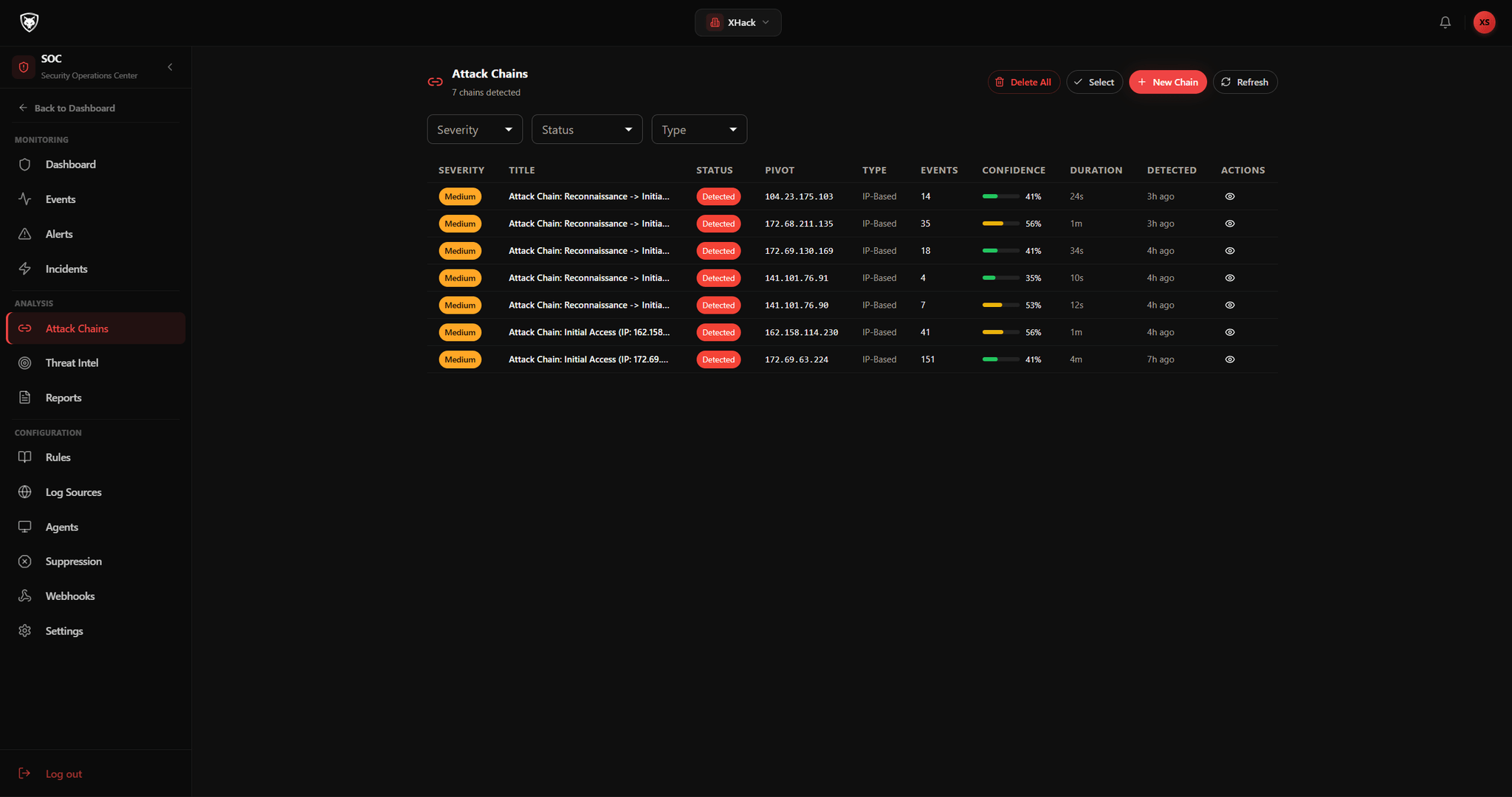
Attack chains
Follow the whole operation, stage by stage
As the agent works it connects related activity into multi-stage attack chains, so you see how reconnaissance leads to access and on toward impact, not just a scatter of isolated results.
Related indicators are correlated into coherent, multi-stage operations.
Each stage is laid out in sequence, so the path an attacker would take is clear.
The higher-level view follows work that crosses many events, systems and hours.
Everything ties back to the findings and evidence the agent captured along the way.
agent / findings
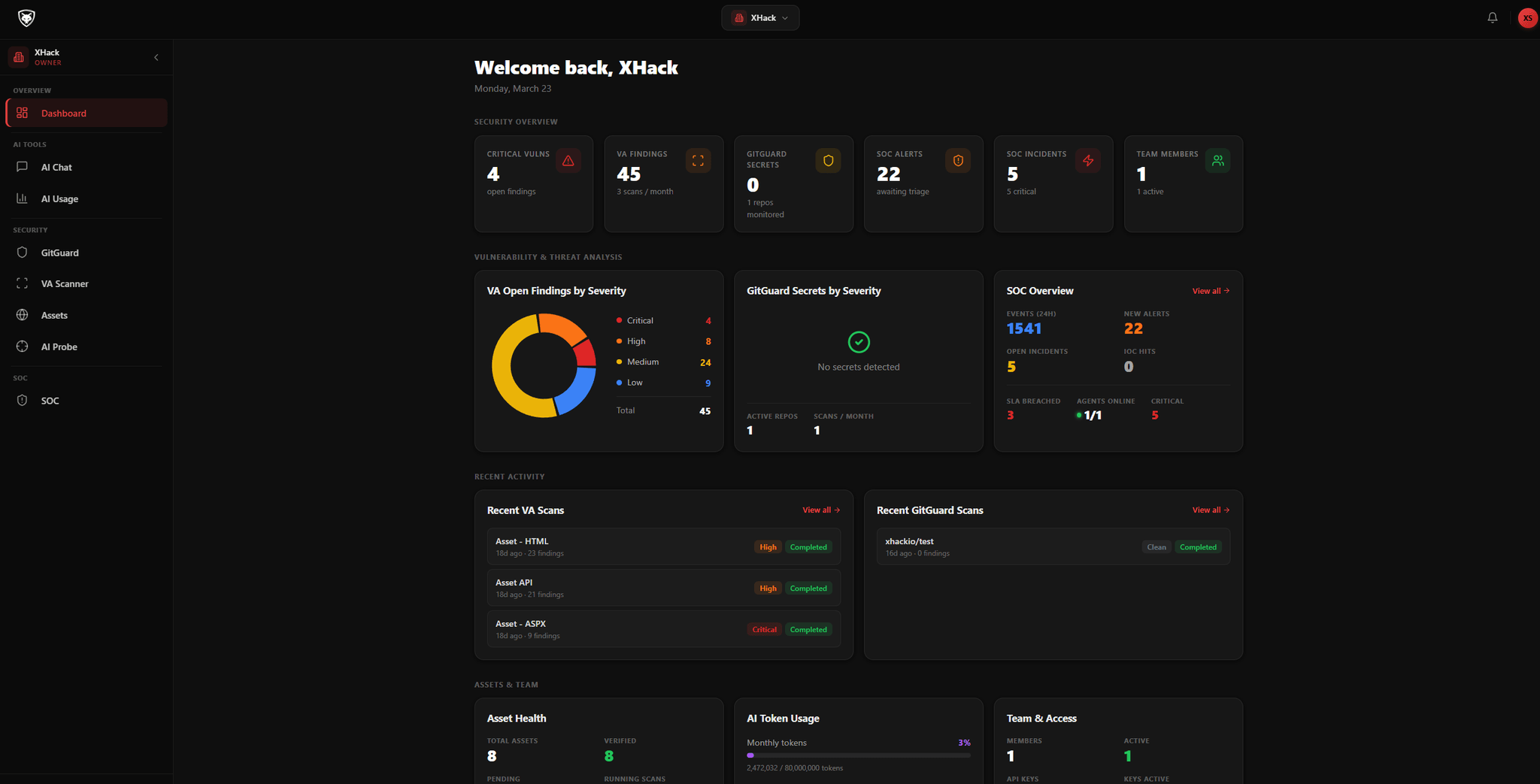
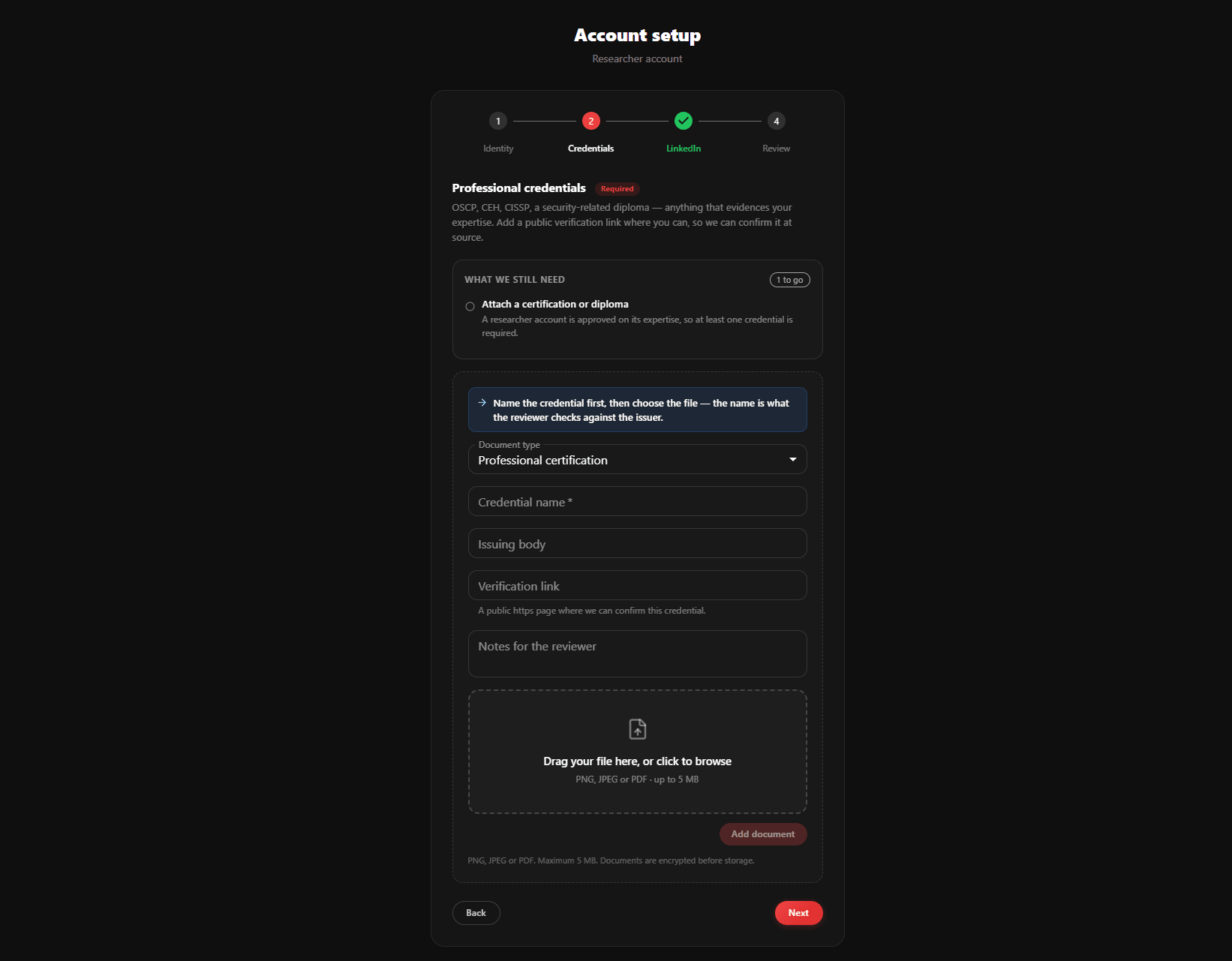
Findings and reports
Write-ups done while you work
When the agent confirms a vulnerability it lands automatically as a complete, professional finding. When it is time to deliver, one click turns the whole set into a client-ready document in the format your audience expects.
Each finding carries severity, type, location, impact, proof and reproduction steps.
It records the exact HTTP request, attaches screenshots and adds a recommended fix.
Findings stay searchable and persist across restarts, so nothing is lost.
Export the whole set as PDF, HTML, Markdown or JSON from a single click.
agent / swarm
Sub-agents and swarm
Command a whole team of agents
When a job is bigger than one worker, spin up multiple autonomous sub-agents that run in parallel, one on recon, one scanning, one exploiting, all from the same desktop app. Launch a swarm in plain English and every agent reports back to your main chat.
Each sub-agent runs in its own workspace and streams status, progress, findings and cost.
Launch them in a sentence, like asking for a recon agent and a web-vuln agent on one target.
Pause, resume, stop or steer any agent mid task by typing a new direction to it.
Agents survive restarts and hand you one consolidated review when the work is done.
Inside the agent
An offensive toolbox, not just a chat
Beyond planning and autonomy, the agent ships the hands-on tools a researcher reaches for. Each one works on its own, and each one can hand a request or a finding straight to the AI to take further.
HTTP Repeater
A Burp-style replay bench built in. Capture or import any request, edit every header, parameter and body with syntax highlighting in a three-pane view, and resend it to hunt IDOR, auth bypass and injection. Send any request to the AI, and cross-host replay stays off by default.
JS Hunter
Reads every JavaScript file a site loads to surface leaked API keys, tokens and credentials in a redacted findings table, then maps hidden API endpoints host by host. Send any finding straight to the AI or open it in the Repeater.
Sub-agents and swarm
Launch parallel agents that each take a slice of the work and report back to one chat. Watch them live, steer them with a sentence, and get a single consolidated review at the end.
Background tasks and live terminal
Long scans, fuzzers and listeners run in the background, each in its own live-streaming terminal tab with a status badge and one-click cancel, while your chat stays responsive.
Web application testing
Drives a real browser to test web apps for injection, broken access control and the OWASP Top 10, all from a plain-English objective.
Mobile app testing
Static and dynamic testing for Android and iOS. Drag in an APK or IPA to surface hardcoded secrets, insecure components and runtime weaknesses.
Project memory
Persistent per-project memory means the agent remembers scope, targets and decisions between sessions, so it never relitigates what it already knows.
Autonomous SOC mode
A tireless SOC mode that continuously monitors, detects threats, triages and responds, watching your systems while you focus elsewhere.
Programmatic and hands-off
Drive it from a prompt, or let it run alone
For automated workflows, the agent takes a prompt, runs the operation on its own, and returns structured output. For fully hands-off runs, auto-approve mode executes from start to finish, with cost and turn limits keeping you in control.
xhack agent
# Programmatic run, JSON output, capped at 20 turns
xhack -p "Scan example.com for web vulnerabilities" --output json --max-turns 20
# Fully hands-off, every action auto-approved
xhack --auto-approve "Perform a comprehensive security assessment of target.com"
Programmatic mode
Pass a prompt and get results in text, JSON or streaming JSON, ready for CI and CD pipelines and orchestration platforms.
Session continuity
Operations can span many sessions. Saved state lets you pause a long assessment and resume it exactly where you left off.
Auto-approve mode
Tool executions are approved automatically for a truly autonomous run, with cost limits and turn limits holding the reins.
A hard safety net that never turns off
Even in fully autonomous mode, truly destructive commands like wiping disks, dropping databases or shutting machines down are blocked outright, regardless of the permission mode. These guardrails are always on, so full speed never means full risk.
The rest of the workspace
Everything else around the agent
Assets, notifications and the wider workspace the agent operates inside, all in the same account.
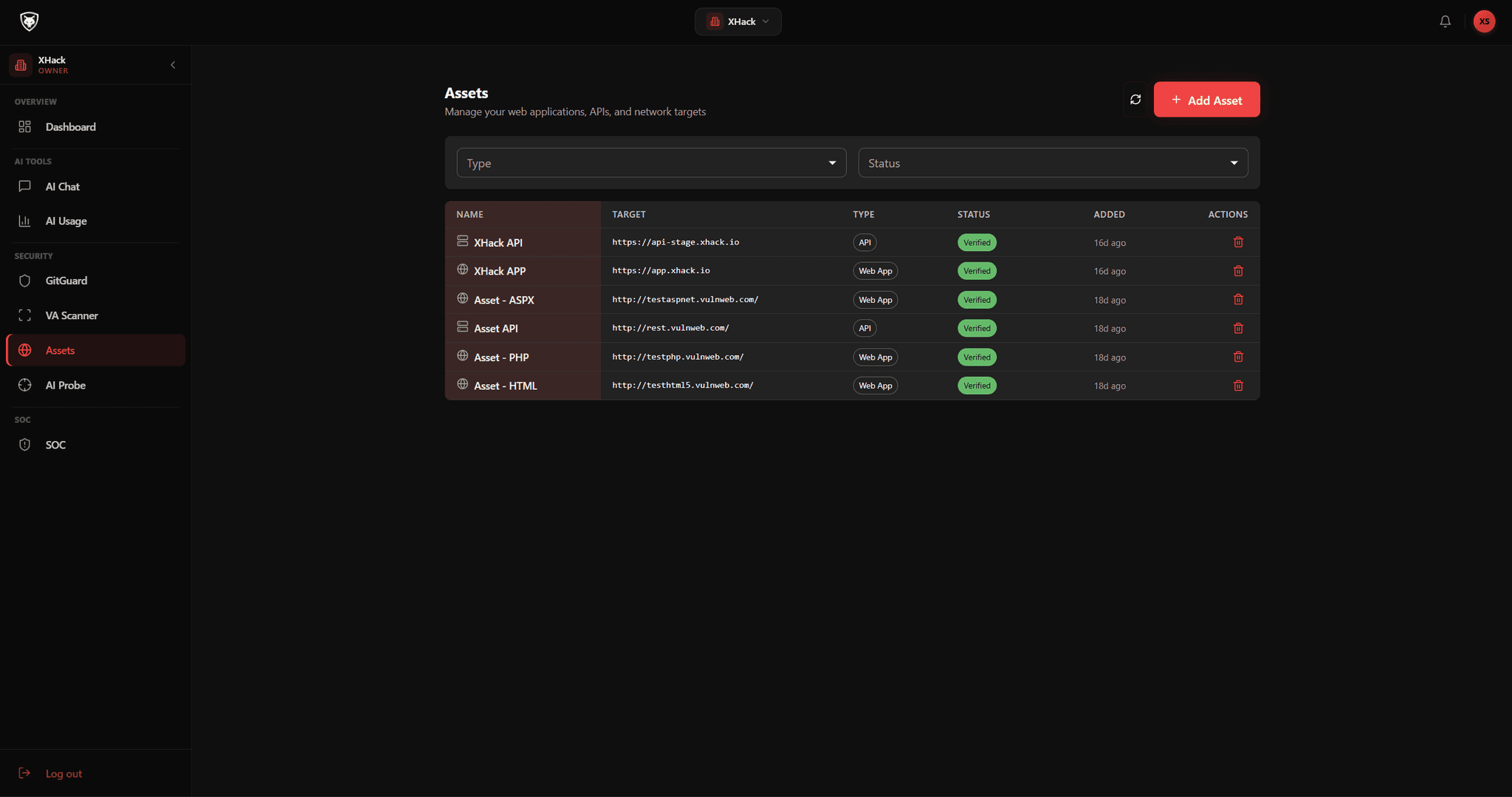
Assets
Keep targets, scopes and the assets an operation touches organised in one place.
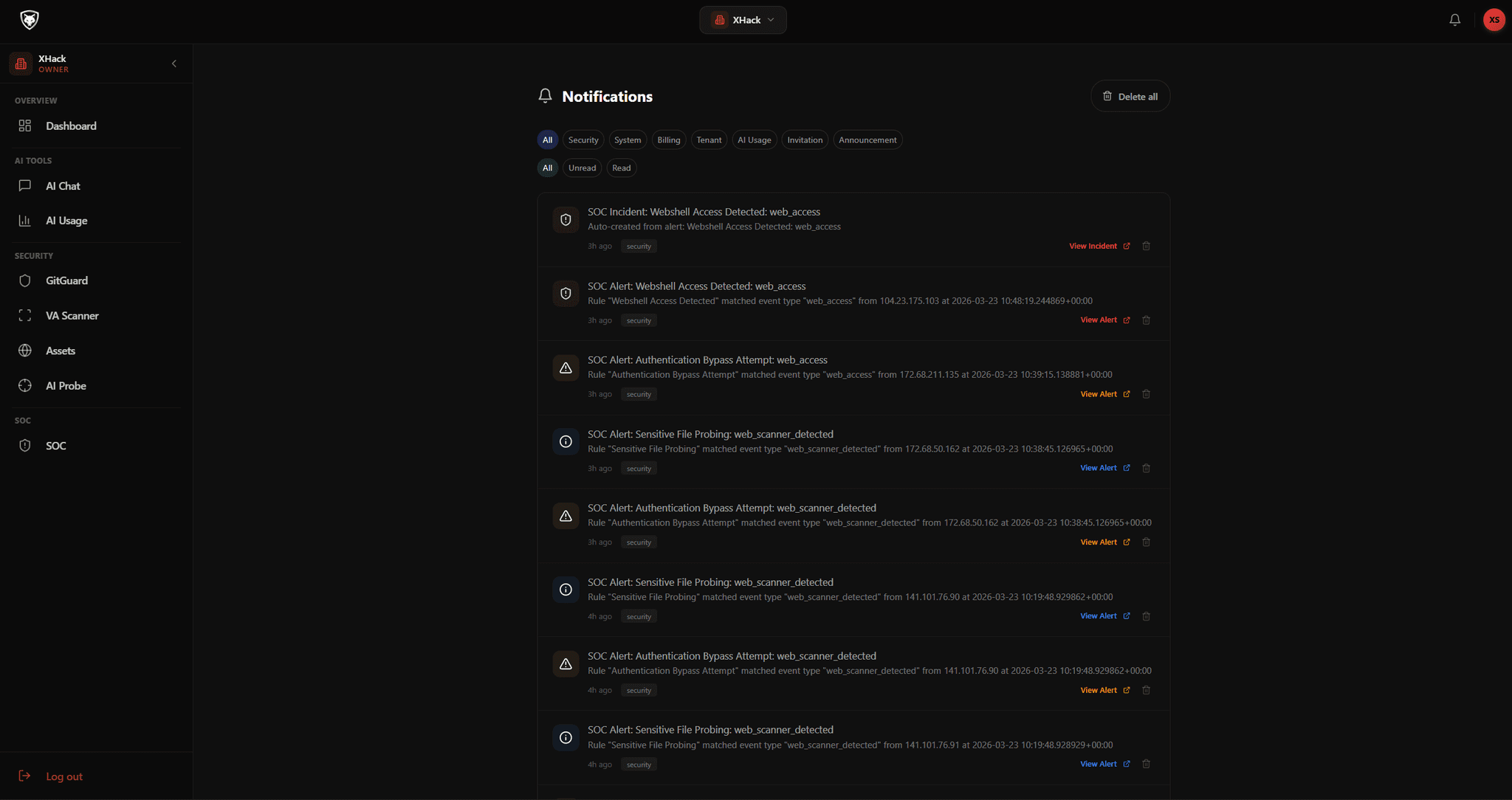
Notifications
Stay informed as operations progress and findings land, without watching every step.
Questions
The AI Agent, answered
A chatbot waits for an instruction at every step. The agent is autonomous. You give it a target and a high-level objective, and it plans the work, selects and runs the right tools, analyses each result, adapts its approach based on what it finds, and delivers a full report. You define the goal and let it execute while you focus on higher-level work.
You choose how much autonomy to hand over, per chat. Manual asks you to approve each action, Allow Edits auto-approves routine file edits only, Auto approves everything for that chat, and Plan is fully read-only. You can switch modes in one click or cycle them with Shift and Tab. Underneath every mode a hard safety net blocks truly destructive commands, so full speed never means full risk.
Yes. You can point it at your own local model through Ollama or llama.cpp, and the entire assessment then happens on-premise with zero cloud calls. Nothing leaves your machine, no prompts, no findings, no target details. That makes it safe to carry into air-gapped and classified engagements. You can also bring your own key and choose an effort level to trade speed for depth.
Yes, this is new in v2.3.0. The web console runs the full agent, with every tool and sub-agent, from a browser on your computer or phone, and you can install it to your home screen as a PWA. Turns run on the machine hosting the agent, so a closed tab or a lost connection never stops a run: reopen it and the response is still streaming. Host it on a VPS and you can drive engagements from anywhere, protected by a local username and password with sign-out-everywhere and an audit log. See the Web Console guide in the docs.
Yes. Programmatic mode takes a prompt, runs the operation autonomously and returns structured output in text, JSON or streaming JSON, so it slots into CI and CD pipelines, orchestration platforms and custom workflows. You can cap a run with turn and cost limits, and resume long operations across sessions thanks to saved session state.
A complete record of the operation. Each confirmed issue is captured as a professional finding with severity, location, impact, proof and reproduction steps, the exact HTTP request and a recommended fix. A single click exports the whole set as a PDF, HTML, Markdown or JSON report, alongside a decision log of the tools used and the results obtained.
Both. Alongside the autonomy, it ships the hands-on tools a tester reaches for. A built-in HTTP repeater lets you capture, edit and replay any request to probe IDOR, auth bypass and injection. A JS Hunter reads every script a site loads to surface leaked secrets and hidden endpoints. Long jobs run as background tasks with live streaming terminals, and there is web and mobile app testing, persistent project memory, and an autonomous SOC mode. Any request or finding can be handed straight to the AI to take it further.
Both. Companies run it as a controlled, permissioned agent inside agreed guardrails, with cost and turn limits and a full audit trail. Researchers use the swarm of sub-agents, local and offline models, and installable skills and plugins to cover more ground. It is one XHack agent, shaped to the way each audience works.
Set your first objective
Hand the agent a target and a goal, and watch it plan, execute and report. Start in the dashboard or book a walkthrough with our team.