
Image Reading (OCR)
Drop a screenshot, scan, or PDF into XHack and the AI reads the text straight out of it — a captured request, a vulnerability report, a whiteboard photo — and works with it immediately. No retyping, no copy-paste.
Point it at an image, get the text
Security work is full of things that live in pictures — a screenshot of a request, a scanned pentest report, a photo of a whiteboard, a PDF of findings. Image Reading lets you hand any of those to XHack and have the AI pull the text out and act on it right away. Upload it, paste it, or drag it in; XHack does the reading.
Works where you already work
- In AI Chat — attach an image or PDF to a message and ask questions about it. XHack reads it first, then answers with the content in context.
- In the Agent — feed the desktop Agent a screenshot mid-engagement and it uses what it reads without breaking stride.
Accurate, and it respects the target
Reading is tuned for precision — exact text, structure preserved — because in security a mistyped token or a dropped character changes everything. And the extracted text is handled with anti-injection hardening: content lifted out of an image can't hijack the AI's instructions, so a hostile screenshot is just data, never a command.
Your images stay yours
The reading step is designed to be light on storage. In the web app the image is read and used, not warehoused; in the desktop Agent any attached images are kept locally on your own machine and are removed when you delete the chat. What you feed in doesn't linger on our servers.
Bring your own vision model
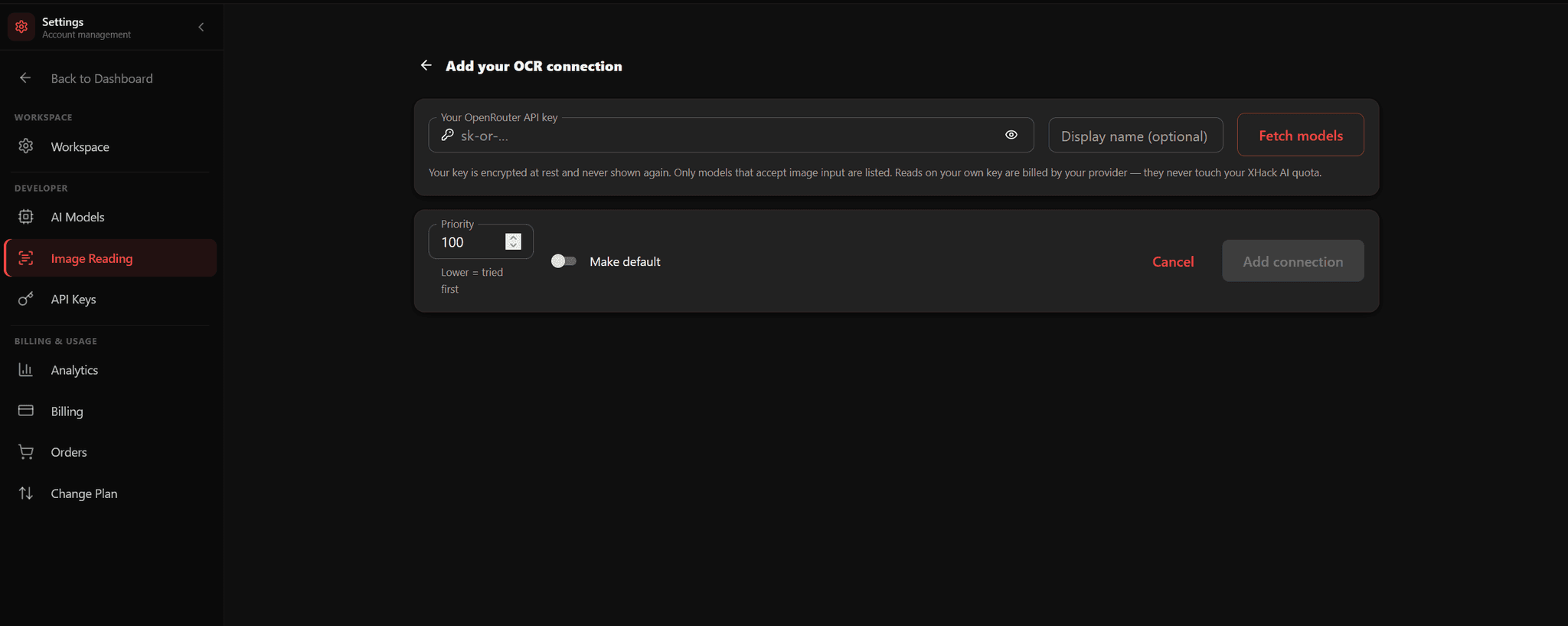
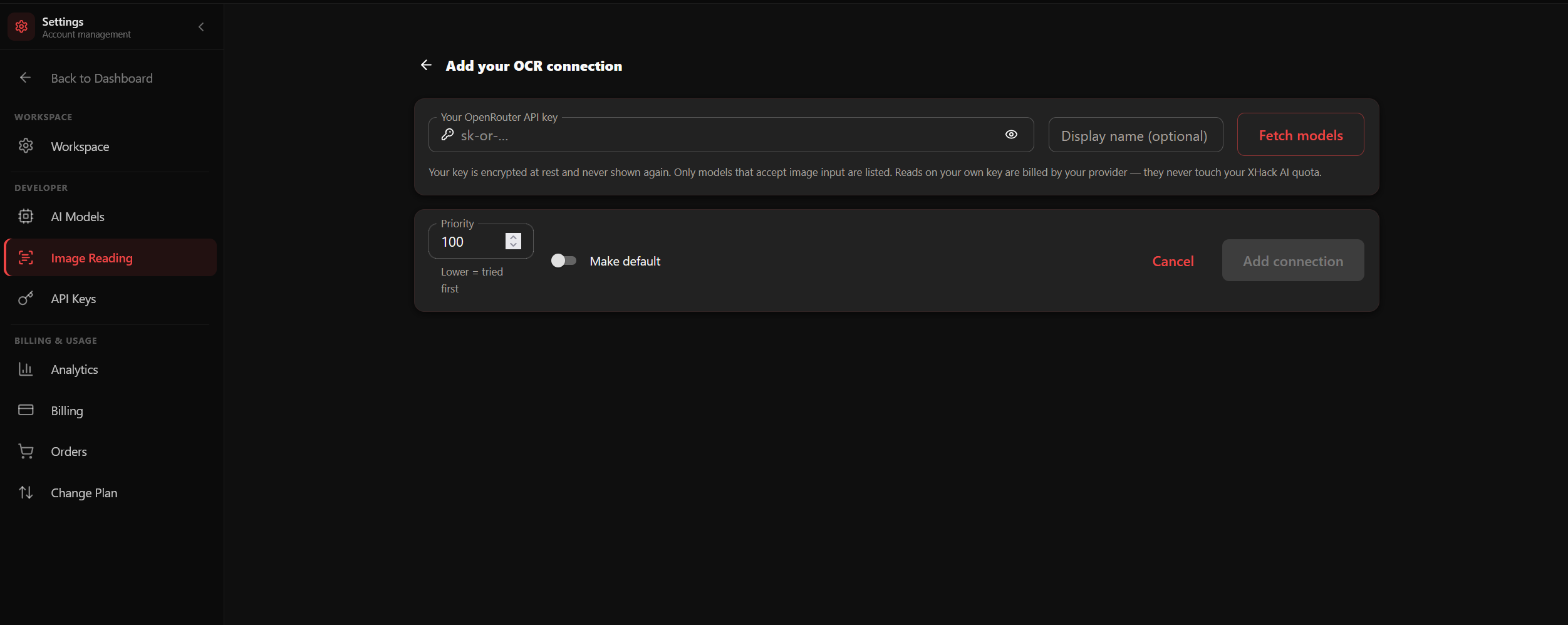
Prefer a specific model for reading? Pair Image Reading with Bring Your Own Key and point your own vision-capable model at the task — same flow, your provider.
Try it on your own stack
Run this against a target you own and judge it on what it finds, not on a description.
Try ItQuestions about this?
You get a researcher on the call, not a sales engineer reading the same page back to you.
Contact supportMore in Platform
Capabilities that sit alongside this one.